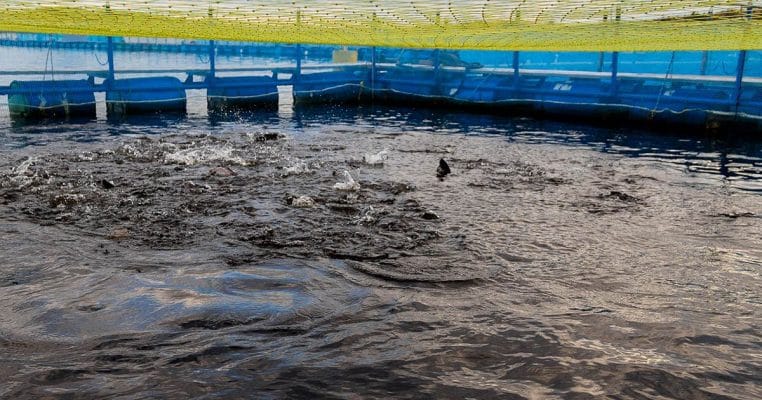
DO Meter
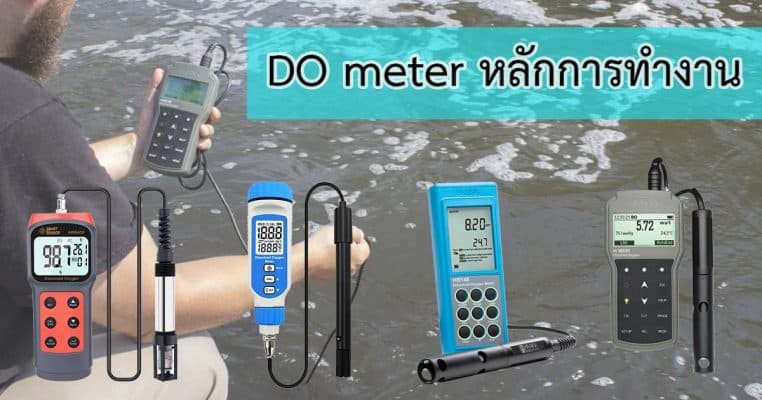
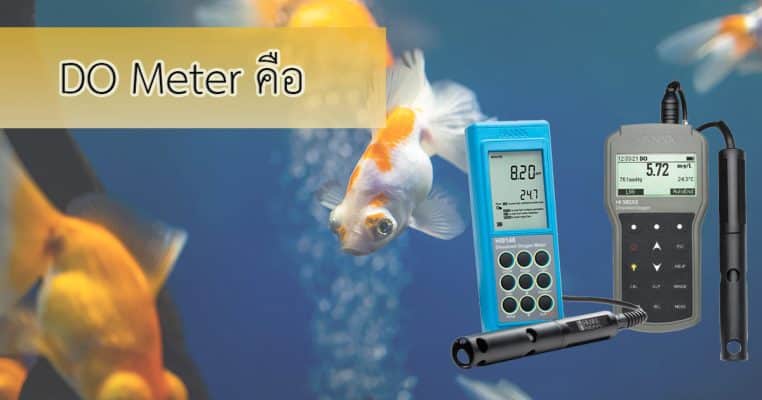
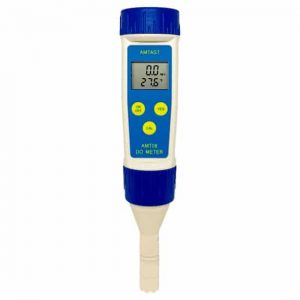
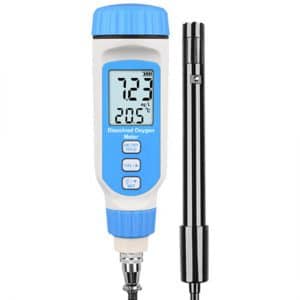
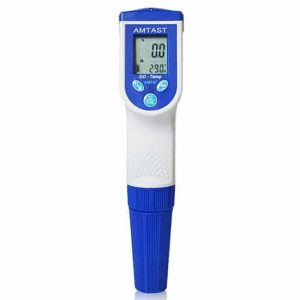
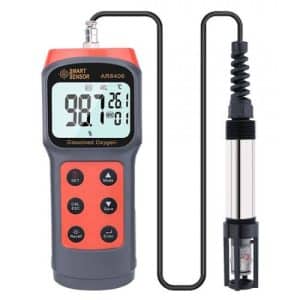
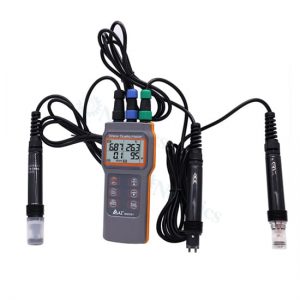
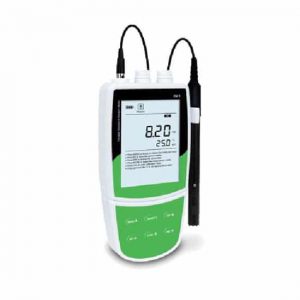
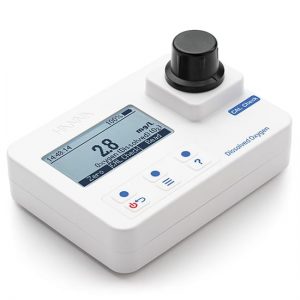
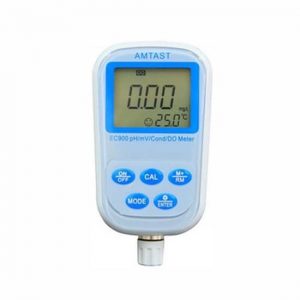
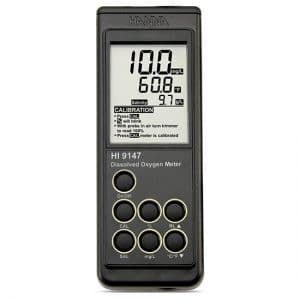
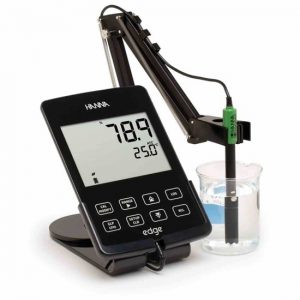
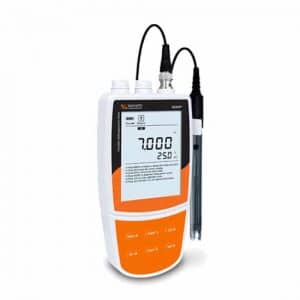
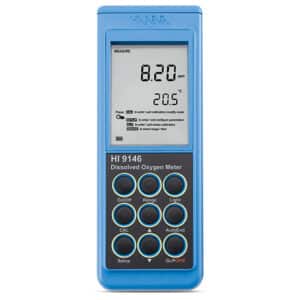
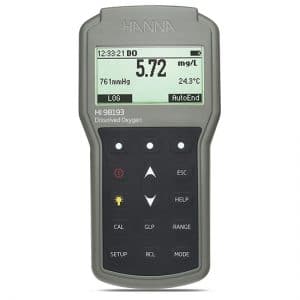
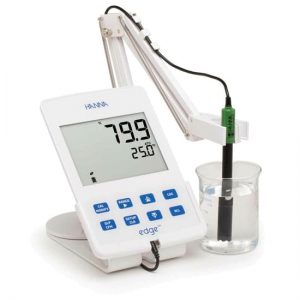
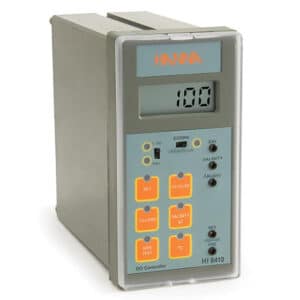
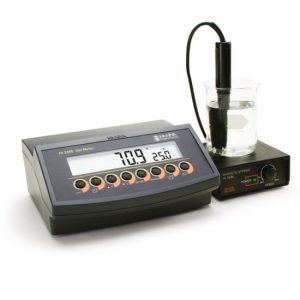
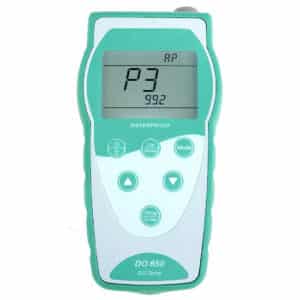
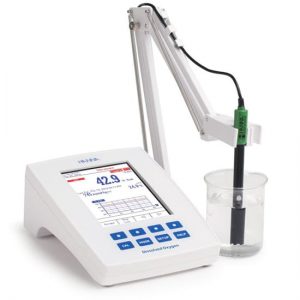
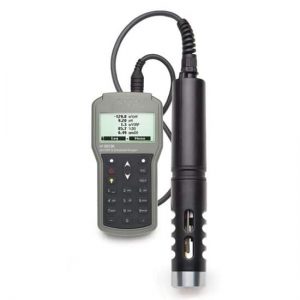
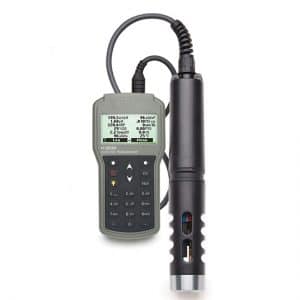
DO Meter (Dissolved oxygen meter) เป็นเครื่องวัดค่าออกซิเจนละลายน้ำใช้ในการวัดความเข้มข้นของออกซิเจนที่ละลายในน้ำ (DO) ในของเหลว ซึ่งโดยปกติจะเป็นน้ำ เป็นพารามิเตอร์ที่สำคัญสำหรับการตรวจสอบคุณภาพน้ำในทะเลสาบ แม่น้ำ และแหล่งน้ำอื่นๆ เนื่องจากเป็นตัวบ่งชี้ระดับออกซิเจนที่มีให้กับสิ่งมีชีวิตในน้ำ
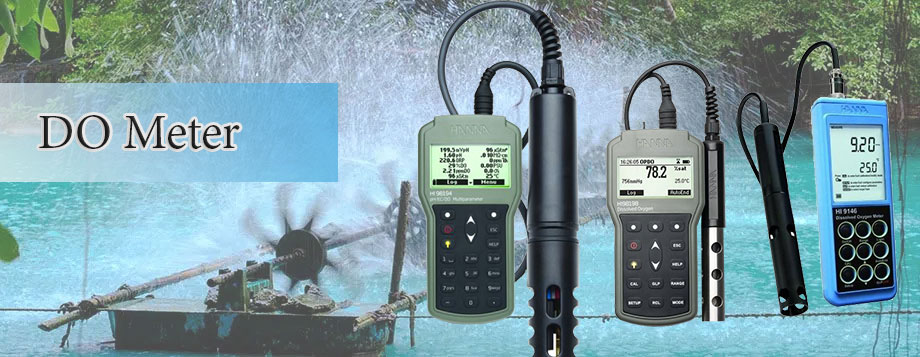
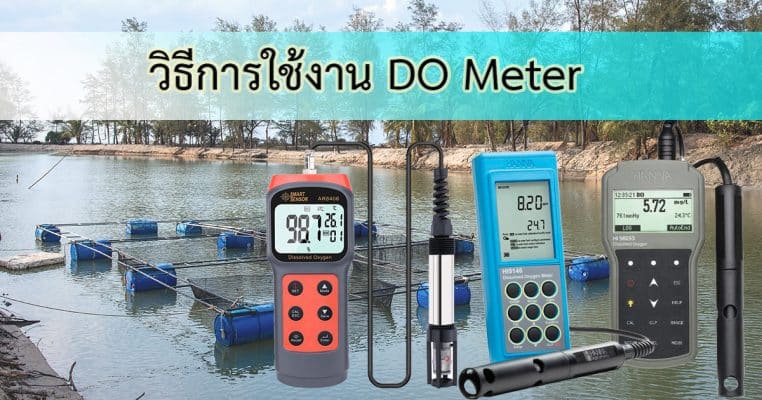
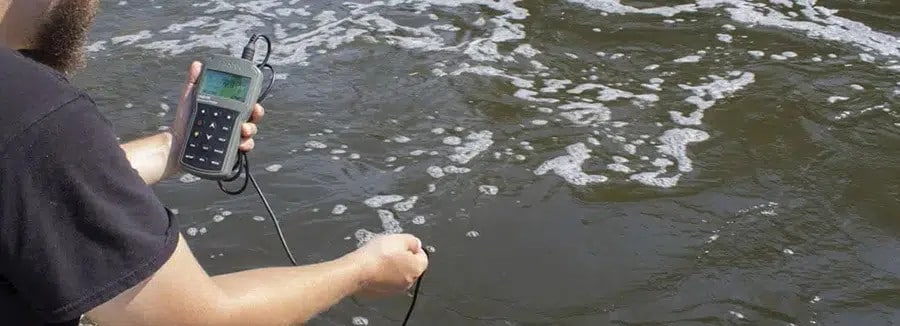
การวัดปริมาณออกซิเจนในน้ำ Dissolved Oxygen: DO วิธีการที่ดีที่สุดคือใช้ DO Meter วัด on site ซึ่งการนำน้ำตัวอย่างมาวัดในห้องทดลอง อาจส่งผลให้ปริมาณออกซิเจนเปลี่ยนแปลงได้จากหลายๆ ปัจจัย
หน่วยของการวัดค่า DO ในน้ำคือ มิลลิกรัมต่อลิตร (mg/L) หลายรุ่นมีใบรับรอง Certificate of Analysis ติดต่อสอบถามได้ที่ บริษัท นีโอนิคส์ จำกัด โทร: 098-479-5684 หรือ 061-8268939 หรือ Line ID:@neonics
กลุ่มสินค้าที่เกี่ยวข้อง
แบบปากกา DO Online แบรนด์ Hanna COD Meter BOD Meter เครื่องวัดออกซิเจนในน้ำ
Dissolved Oxygen (DO) คือ
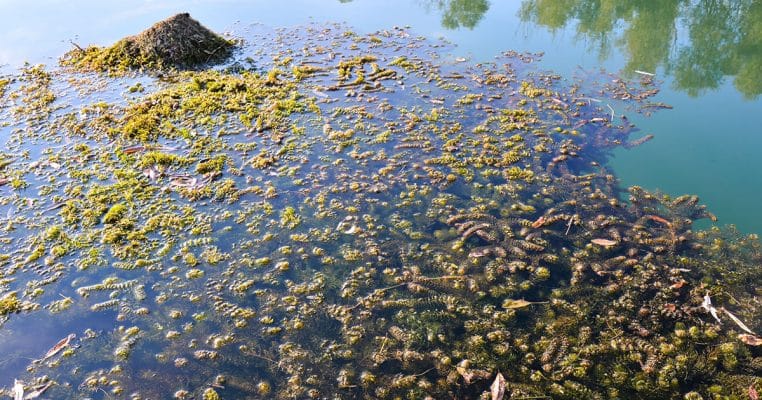
Dissolved oxygen หรือ DO สามารถนิยามได้ว่าเป็นการกระจายทางกายภาพของออกซิเจนในน้ำ โดยมีแหล่งที่มาจากชั้นบรรยากาศและการสังเคราะห์โดยพืช คลื่นและการไหลของน้ำ ทำให้เกิดการระหว่างออกซิเจนในอากาศเข้ากับน้ำ
ในขณะที่พืชน้ำผลิตออกซิเจนซึ่งเป็นผลพลอยได้จากการสังเคราะห์แสง ปริมาณของออกซิเจนขึ้นอยูกับปัจจัยต่างๆ เช่นอุณหภูมิ, ความเค็ม และความกดอากาศของน้ำ โดยทั้งหมดสามารถเพิ่มหรือลดปริมาณออกซิเจนได้
โดยปกติออกซิเจนที่ละลายในน้ำได้มาจากบรรยากาศและการสังเคราะห์ด้วยแสงของพืชน้ำ ปริมาณออกซิเจนที่ละลายในน้ำ Dissolved Oxygen จะแปรผกผันกับอุณหภูมิและความเข้มข้นของแร่ธาตุที่ละลายในน้ำ ถ้าหากอุณหภูมิและความเข้มข้นของแร่ธาตุในน้ำสูง จะทำให้ออกซิเจนจะละลายในน้ำได้น้อยลง
หน่วยการวัดค่าดีโอ (DO)
ออกซิเจนละลายมีหน่วยเป็นเป็นมิลลิกรัมต่อลิตร (mg/L) หรือเป็นเปอร์เซ็นต์ของความอิ่มตัวของอากาศ
ค่ามาตรฐานสำหรับปริมาณออกซิเจนในน้ำ
- น้ำในธรรมชาติมีค่าดีโอ Dissolved Oxygen 5-7 มิลลิกรัมต่อลิตร (mg/L)
- น้ำที่มีคุณภาพดึ จะมีค่า DO ประมาณ 5 – 8 mg/L
- ออกซิเจนในน้ำต่ำกว่า 4 mg/L ปลาตายหมด
- ออกซิเจนในน้ำ 4 -6 mg/L ปลาจำนวนน้อยมากๆ สามารถดำรงชีวิตอยู่ได้
สอบถามข้อมูล สั่งซื้อ ขอใบเสนอราคา